Artificial intelligence has slipped into daily routines with unusual speed. What began as a novelty for drafting emails, summarizing articles, or asking odd late-night questions has become a quiet layer in how many people think, search, plan, and communicate. The shift is not always dramatic; often it appears as a small reflex repeated often enough to feel normal.
These 17 new AI habits show how people are adapting almost without noticing. Some habits save time, some sharpen ideas, and others raise new questions about trust, privacy, attention, and originality. Together, they reveal how AI is changing behavior not by replacing human judgment all at once, but by gently nudging ordinary decisions in new directions.
Asking AI Before Searching the Web

Many people no longer start with a search engine when a question pops up. Instead, they ask an AI assistant for a quick explanation, a comparison, or a plain-language summary. This is especially tempting when the topic feels messy: choosing an insurance plan, understanding a medical term, comparing phones, or decoding a workplace acronym. The habit grows because the answer arrives in paragraphs rather than links.
The tradeoff is that AI answers can feel complete even when they need checking. Research on AI search summaries has already shown that people may click fewer source links when an AI-generated answer appears. That makes the new habit powerful but risky. A person who once scanned several sources may now accept one confident explanation, then move on before noticing what was missing.
Turning Rough Thoughts Into Polished Messages
A growing number of people use AI to soften, sharpen, or organize their everyday communication. A frustrated message to a landlord becomes calmer. A vague email to a manager becomes more direct. A thank-you note gains warmth. The habit feels practical because it reduces the emotional friction of writing, especially in moments when the sender knows what they mean but not how to phrase it.
This behavior fits one of the clearest patterns in generative AI use: writing support is among the most common work-related uses. The danger is not that every message becomes fake. It is that people may slowly outsource their own tone. A coworker may start sounding more polished than usual, while a friend may wonder why a casual message suddenly reads like a professional template.
Asking AI to Explain “Like I’m Busy”

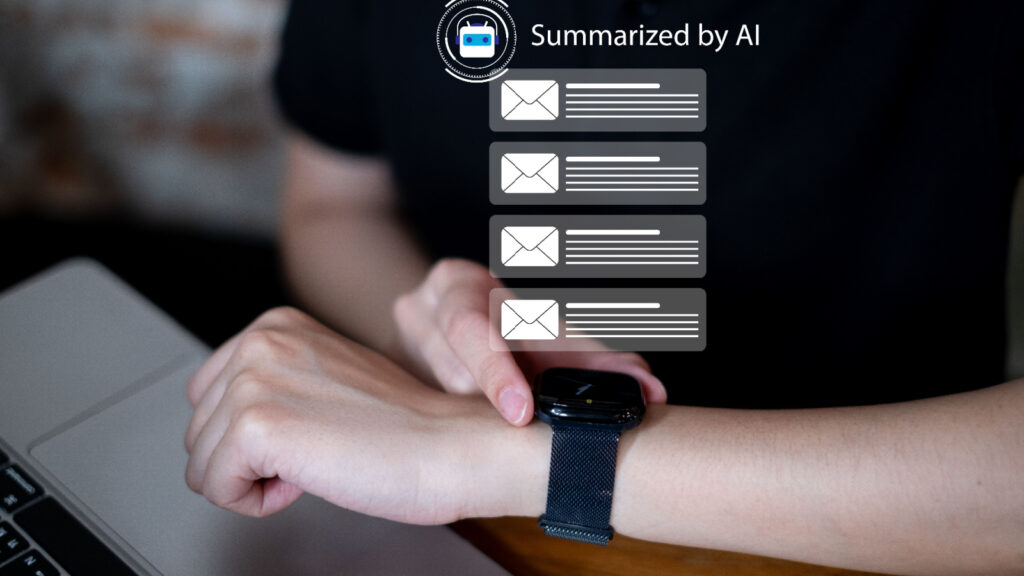
People increasingly ask AI for summaries that match their available attention. Instead of reading a full report, they request five bullets. Instead of watching a long video, they ask for the takeaway. Instead of opening a dense policy document, they ask what changed and why it matters. The habit reflects modern information overload as much as AI convenience.
The appeal is obvious: AI can compress time. But compression can also flatten nuance. Important caveats, minority views, dates, definitions, or uncertainties may disappear in a tidy summary. In workplaces, this can make people feel prepared for a meeting they have not fully understood. In daily life, it can turn complex issues into clean-sounding conclusions that deserve a closer look.
Treating AI Like a Second Opinion

People now use AI as a quiet sounding board before making decisions. They ask whether a message sounds rude, whether a purchase seems reasonable, whether a travel plan is too rushed, or whether an idea has obvious flaws. The assistant becomes a low-stakes adviser available at any hour. Unlike asking a friend, there is no fear of wasting someone’s time.
This habit can be useful because it encourages reflection. A person may catch a weak argument or rethink an impulsive response. But the second opinion can also become a substitute for human context. AI may not know the history behind a friendship, the culture of a workplace, or the emotional stakes of a family decision. Its advice can sound balanced while missing the human details that matter most.
Letting AI Name Things

Naming has become one of the sneakiest AI habits. People ask for names for projects, newsletters, small businesses, pets, group chats, recipes, playlists, and even personal goals. The task feels harmless because naming often involves staring at a blank page. AI turns that blankness into a menu of options, which makes the process feel easier and more playful.
The result is not always better, but it is often enough to get started. A team stuck on a product name can generate 50 directions in seconds. A student creating a presentation can find a title that sounds cleaner than the first draft. Over time, this habit may change what people expect from brainstorming: not one perfect idea from the mind, but a pile of machine-generated sparks to sort through.
Using AI as a Social Rehearsal Space

Before difficult conversations, some people now rehearse with AI. They ask how to explain a boundary, negotiate a deadline, apologize without overdoing it, or respond to criticism. This habit is easy to understand. Awkward conversations often carry emotional risk, and AI offers a private place to practice without embarrassment.
The benefit is preparation. People can see how words might land before sending them. The concern is that real conversations are not scripts. A partner, manager, or friend may react in a way no prompt anticipated. When people rely too heavily on AI-prepared lines, they may sound composed but less present. The best use is rehearsal, not replacement: a way to clarify intentions before meeting another person honestly.
Saying Please and Thank You to Bots
Many users find themselves being polite to AI systems, even when they know no feelings are involved. They say “please,” “thanks,” or “sorry, one more thing.” This habit reflects how naturally humans apply social rules to conversational interfaces. When a tool speaks in sentences and responds instantly, the interaction begins to feel less like typing into software and more like asking someone for help.
Researchers and usability experts describe this as a basic form of anthropomorphism: people transfer human interaction patterns onto nonhuman systems. The habit is not necessarily bad. Politeness may simply reflect a person’s normal communication style. Still, it shows how quickly conversational design can blur categories. A machine does not need courtesy, but people may feel strange abandoning it.
Asking AI to Make Choices Feel Less Overwhelming
Choice fatigue has found a new outlet in AI. People ask for meal plans, reading lists, workout routines, birthday gifts, travel itineraries, and “best option” comparisons. The habit grows because AI turns a broad decision into a narrower set of possibilities. Instead of browsing endlessly, a person can ask for three realistic options under a budget.
This is useful when the stakes are low and the user stays in control. It becomes more complicated when AI recommendations carry hidden assumptions. A suggested hotel may not reflect accessibility needs. A meal plan may ignore cultural preferences. A financial explanation may be too generic. The habit works best when AI reduces clutter, while the final decision still comes from human priorities.
Using AI to Sound More Professional
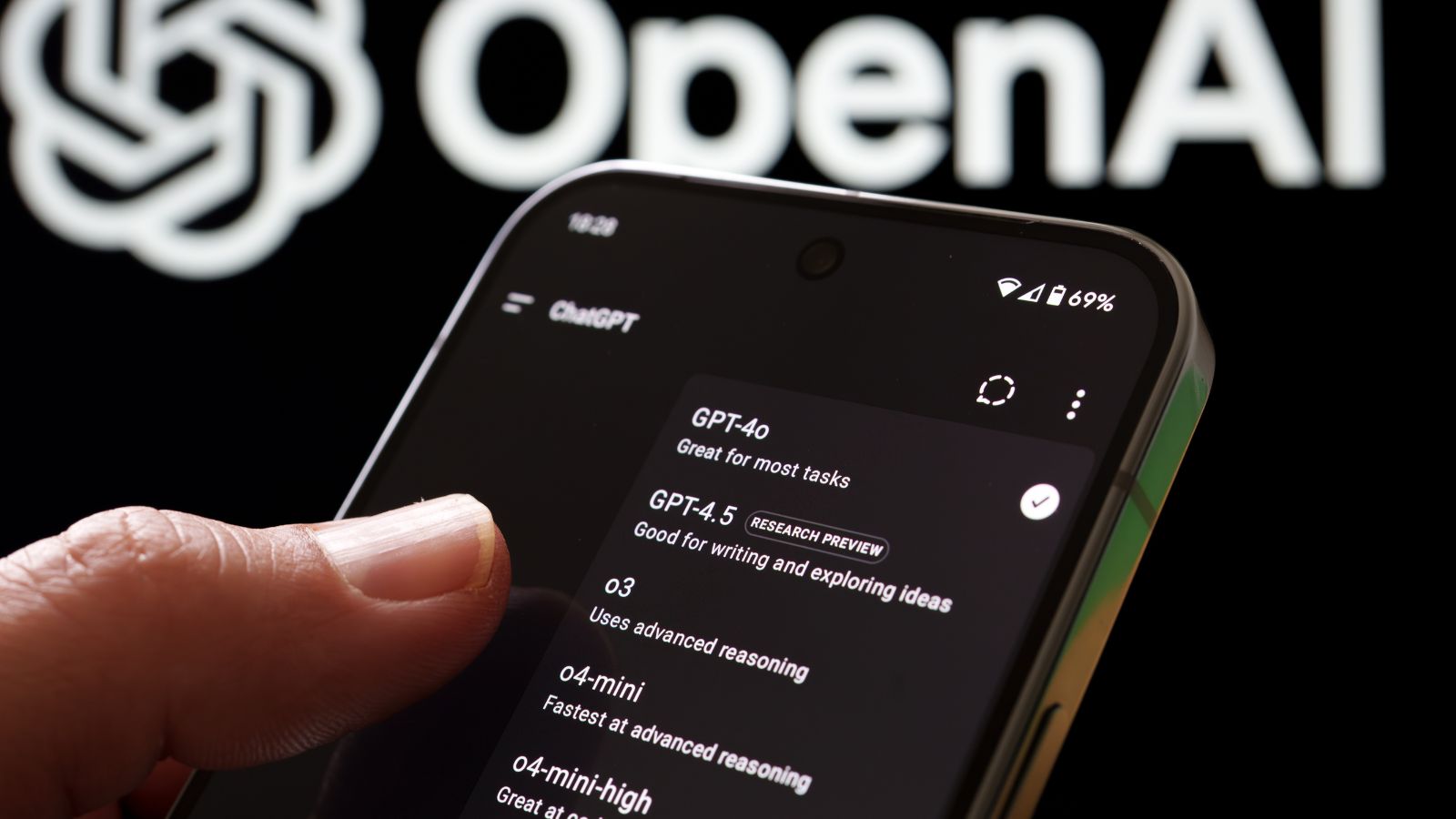
AI has become a quiet translator between informal thought and professional language. People paste a rough idea and ask for a version that sounds confident, diplomatic, concise, or executive-ready. For job seekers, freelancers, managers, and students, this can feel like having an editor on demand. It lowers the barrier for people who know their subject but struggle with formal phrasing.
The effect can be empowering, especially for non-native speakers or people who find workplace communication stressful. Yet it may also create a sameness in tone. Emails, cover letters, proposals, and reports can begin to share the same smooth rhythm. What once revealed personality may become uniformly polished. Professionalism improves, but distinctive voice can quietly fade unless people deliberately put it back.
Checking Feelings Against a Machine

Some people now ask AI whether they are overreacting, whether a situation sounds unfair, or why they feel stuck. This is not the same as therapy, but it often functions as emotional triage. The habit forms because AI is private, patient, and nonjudgmental. It can help organize thoughts during moments when calling someone feels too heavy.
The risk is misplaced trust. AI can validate feelings without fully understanding circumstances, and it may miss signs that a person needs professional or immediate human support. Still, the habit points to a real need: people want reflective space. Used carefully, AI can help someone name emotions and prepare for a human conversation. Used carelessly, it may become a substitute for the relationships and care systems people actually need.
Asking AI to Find the “Nice Way” to Say No
Declining has become easier with AI. People ask for polite refusals to invitations, boundary-setting messages, client pushback, or responses to requests they cannot meet. The habit reflects a common social struggle: many people know their answer is no, but fear sounding cold, selfish, or unhelpful.
AI-generated refusals can reduce stress by offering structure: gratitude, clarity, brief explanation, and a respectful close. But they can also over-soften the message. A simple no may become a paragraph that leaves room for negotiation. In relationships, overly polished refusals can feel evasive. The best versions preserve the person’s intent rather than burying it under courtesy. The habit is useful when it helps people be kinder and clearer at the same time.
Delegating First Drafts

First drafts are increasingly becoming AI’s job. People ask for outlines, opening paragraphs, captions, lesson plans, meeting agendas, scripts, and proposals. This habit takes hold because beginning is often the hardest part. A rough draft, even a mediocre one, gives the human something to react to.
The productivity benefit is real in many contexts. Studies and workplace reports have found that generative AI can speed up writing tasks and help workers handle routine communication. But first drafts also shape the final direction. If the AI starts with generic framing, the human editor may improve the language without questioning the structure. The habit saves time, but it requires active revision to avoid letting the first suggestion become the hidden blueprint.
Becoming a Prompt Tweaker
People who use AI often develop a new micro-skill: rewriting the question until the answer improves. They add context, specify tone, ask for examples, demand shorter outputs, or say, “Try again, but make it more practical.” This habit can feel like learning how to manage a very fast assistant. The better the instruction, the better the result.
Prompt tweaking is useful because it forces people to clarify what they actually want. It also changes expectations. Instead of accepting the first answer, users learn to iterate. The downside is that the process can become its own time sink. A person may spend 20 minutes perfecting a prompt for a task that originally needed five minutes of direct thinking. Efficiency depends on knowing when the answer is good enough.
Trusting AI With Boring Administrative Tasks

AI is increasingly used for the small tasks people dislike: summarizing meeting notes, drafting calendar descriptions, converting messy notes into action items, cleaning up lists, and turning bullet points into instructions. These tasks are not glamorous, but they consume attention. The habit grows because AI feels especially useful when the work is repetitive and low-creativity.
This is one reason businesses are adopting AI tools across functions, even while results vary widely by organization. Administrative support can free people for deeper work, but it also creates new review obligations. A missed deadline in a summary or a wrong name in an action list can cause confusion. The habit works best when AI handles the first pass and humans verify the details before anything becomes official.
Using AI to Personalize Everything

People now ask AI to tailor content to their exact situation: a meal plan for limited ingredients, a study plan for two weeks, a bedtime story about a child’s favorite animal, or a resume summary for a specific job posting. Personalization used to require time, skill, or paid help. AI makes customized versions feel normal.
This habit can make information more useful because generic advice often fails in real life. However, personalization depends on what the user shares. The more specific the request, the more personal data may enter the system. Privacy researchers have warned that AI tools create new questions about how prompts, personal details, and training data are handled. Convenience can quietly encourage people to disclose more than they intended.
Letting AI Translate Between Skill Levels
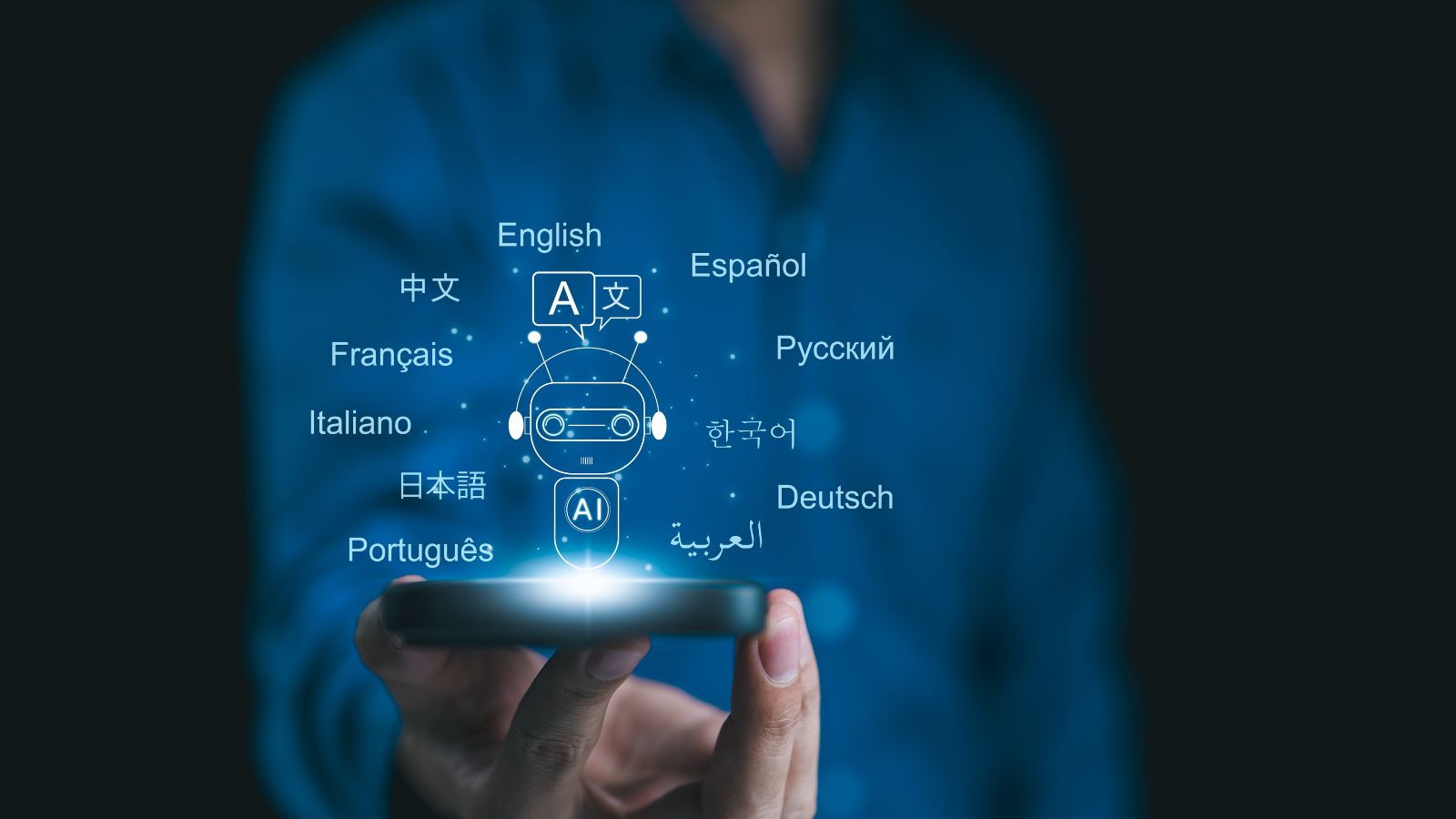
People often ask AI to explain expert information in beginner language, or to make beginner work sound more advanced. A developer may ask for a plain-English explanation of a bug. A patient may ask what a medical phrase means before a doctor’s appointment. A student may ask for a complex idea in simpler terms. This habit helps people cross knowledge gaps faster.
The benefit is access. AI can make intimidating language feel less closed off. But translation is not the same as expertise. Simplified explanations can omit important conditions, and advanced-sounding wording can make weak understanding look stronger than it is. This habit is safest when AI helps people ask better questions of experts, not when it replaces expertise altogether.
Expecting Every Tool to Have an AI Shortcut

Once people get used to AI assistance, they begin expecting it everywhere. Email should summarize threads. Notes apps should organize ideas. Search should answer directly. Spreadsheets should explain formulas. Design tools should generate layouts. The habit is less about one chatbot and more about a rising expectation that software should anticipate the next step.
This expectation is already shaping product design. Major workplace, search, and productivity platforms have embedded AI features into everyday interfaces. The upside is speed and accessibility. The downside is dependency by default. People may stop learning manual workflows, or may feel irritated when a tool simply waits for instructions. AI turns convenience into a new baseline, and baselines are hard to roll back.
Double-Checking Human Work With AI

A newer habit is using AI as a reviewer rather than a creator. People paste a paragraph to check clarity, ask whether a plan has gaps, request counterarguments, or test whether instructions make sense. This can improve work by catching blind spots before another person sees them. It gives individuals a private quality-control step.
The habit is especially useful when paired with human judgment. AI can spot inconsistencies, suggest missing context, or offer alternative phrasing. But it can also introduce errors, overconfident critiques, or unnecessary changes. Research on hallucinations shows that AI systems can produce plausible but incorrect information. The best reviewers do not accept every suggestion. They use AI as a mirror, not a verdict
19 Things Canadians Don’t Realize the CRA Can See About Their Online Income

Earning money online feels simple and informal for many Canadians. Freelancing, selling products, and digital services often start as side projects. The problem appears at tax time. Many people underestimate how much information the CRA can access. Online platforms, banks, and payment processors create detailed records automatically. These records do not disappear once money hits an account. Small gaps in reporting add up quickly.
Here are 19 things Canadians don’t realize the CRA can see about their online income.
