
The spread of AI rarely arrives with a dramatic announcement. More often, it shows up as a tiny convenience: a suggested phrase, a cleaner photo, a summary that saves a few minutes, or a search result that feels oddly tailored. Those small touches tend to blend into the background until they start appearing across phones, inboxes, meetings, shopping apps, and streaming platforms all at once.
That is what makes this moment so striking. The same kinds of machine-learning tools are now embedded in ordinary digital routines, often presented less as breakthroughs than as default settings. These 15 features capture that shift, showing how AI moves from easy-to-miss helper to familiar presence almost everywhere people spend time online.
Predictive Writing
One of the most quietly influential AI features is predictive writing. At first, it looks like a modest typing shortcut: a faint phrase appearing at the end of a sentence, ready to be accepted with a tap or keystroke. Yet that small convenience changes how digital writing feels. Email, messaging, and document apps increasingly nudge users toward faster, more standardized phrasing, especially in routine communication where speed matters more than originality.
The reason this feature spreads so easily is simple: it solves a universal irritation. People write the same confirmations, thanks, and scheduling notes over and over. Once prediction works well enough, it begins to feel less like a feature and more like part of the keyboard itself. What started in email is now common across phones, office software, and customer platforms, turning AI into an invisible writing partner that many people barely notice until they encounter it everywhere.
Suggested Replies

Suggested replies often seem too trivial to matter. A short row of responses like “Sounds good,” “Thanks,” or “I’ll check” can feel like a novelty the first time it appears. But over time, those ready-made answers become part of the rhythm of digital communication. They remove friction from low-stakes messages, which is exactly why they spread so quickly through email, chat, support tools, and business apps.
There is also a subtle cultural effect. When software proposes the most likely response, it gently encourages faster and more uniform exchanges. That can be useful in crowded inboxes or on mobile screens, but it also changes tone by rewarding brevity and habit. The feature succeeds because it handles the least glamorous part of communication: the endless small replies that keep work and life moving. Once people get used to that speed, manually typing every acknowledgment starts to feel strangely inefficient.
AI Summaries
AI summaries are becoming one of the clearest examples of how machine learning slips into everyday work. Long emails, search results, reports, and meeting threads increasingly come with a condensed version ready at the top. At first, that sounds like a mild productivity boost. In practice, it changes how people approach information by making skimming the default and full reading feel optional unless something looks urgent or complex.
That shift matters because digital life is crowded with too much text. Companies know that users want the point faster, whether they are scanning a search page, opening a document, or catching up after missing a meeting. As a result, summary tools have spread across search, word processors, and collaboration suites with remarkable speed. Many people first notice them as a convenience, then suddenly realize they have started expecting every dense block of text to explain itself before they even decide whether to read it.
Recommendation Feeds
Recommendation systems were once easiest to notice on streaming platforms, where suggested shows and movies felt like a premium feature. Now the same logic shapes music, shopping, video feeds, maps, and even notifications. AI does not just help people search anymore; it increasingly decides what deserves attention first. That makes personalization feel less like a bonus and more like the front door to digital content.
What makes this feature so pervasive is that it blends usefulness with habit formation. A well-tuned recommendation engine reduces choice overload, which feels helpful, especially when libraries are huge. But it also means the experience becomes more individualized and less transparent. Two people can open the same service and see entirely different worlds. That is why recommendation AI often goes unnoticed at first: it feels natural. Only later does it become clear that software has been quietly organizing taste, discovery, and even mood in the background.
AI Photo Cleanup
AI photo cleanup tools became popular because they solve ordinary frustrations with almost magical speed. A stranger in the background, a distracting object on a table, or a cluttered patch of scenery can now disappear with a few taps. Early versions felt like a neat editing trick. The newer versions feel more like an expectation, especially as built-in photo apps advertise object removal, lighting fixes, sharpening, and background changes as standard tools.
That normalization says a lot about how people now think about images. Photos are no longer treated as fixed records so much as editable starting points. The appeal is easy to understand: family pictures look cleaner, travel shots look more polished, and casual users can produce results that once required real editing skill. But the deeper change is cultural. When AI cleanup becomes normal inside default apps, polished images stop feeling exceptional and start feeling routine, even when the “better” version never actually existed in one original frame.
Best-Take Editing

Best-take editing goes a step beyond cleanup by quietly rebuilding moments that almost happened. In a group photo, one person blinked, another looked away, and someone else smiled in the wrong shot. AI can now combine those near-matches into one image that makes the whole group look cooperative and camera-ready. Many people encounter this as a practical fix for messy family photos and barely think twice about the underlying technology.
The reason it spreads so naturally is that it addresses a universal social problem: nobody wants the ruined group picture. Parents, friends, and coworkers all understand the frustration of choosing between five imperfect shots. AI turns that common annoyance into a simple software task, which makes it feel helpful rather than futuristic. But it also marks a subtle shift in expectations. Increasingly, the “best” image is not the one a camera captured in a single instant. It is the one software assembles from several attempts.
Live Captions and Transcription
Live captions are one of the clearest cases where AI moved from specialized accessibility aid to mainstream feature. Real-time speech recognition now appears in phones, video calls, and media playback, often with almost no setup. At first, many users only notice it when they are in a noisy room, watching muted video, or struggling with accents on a call. Then it becomes something they start relying on more often than expected.
Its growth makes sense because the feature serves several audiences at once. It helps deaf and hard-of-hearing users, supports comprehension in loud or quiet environments, and turns spoken content into searchable text. That range of uses is why captioning has spread so widely. It no longer feels like a niche tool added for compliance. It feels like a default layer of modern communication. Once that happens, people start noticing AI not as a separate product, but as the technology making ordinary audio easier to live with.
Noise Suppression and Voice Isolation
AI-powered noise suppression is another feature that tends to be appreciated only after it quietly saves a bad call. Barking dogs, keyboard clatter, street sounds, fans, and office chatter are now filtered out by systems trained to preserve speech and reduce everything else. In many apps, the effect is so automatic that users may forget it is there until they join a platform without it and suddenly hear just how messy live audio can be.
That is why the feature has spread through work software, earbuds, phones, and conferencing systems. Clearer sound is one of those quality improvements that feels minor in theory and essential in practice. It reduces embarrassment, improves meetings, and makes mobile calls more usable in imperfect environments. Because it operates in the background, it rarely gets the spotlight that chatbots or image generators do. Yet it may be one of the most common forms of AI people now encounter, especially in professional life.
Background Blur and Virtual Scene Generation
Background blur felt almost comically simple when it first became popular: hide the laundry, soften the office mess, preserve a little privacy. But that utility gave it staying power, and AI pushed it further by improving subject separation and enabling generated or customized backgrounds. What began as a videoconferencing fix is now part of the visual grammar of online meetings, livestreams, and creator tools.
Its importance comes from the way it blends technical function with social pressure. People increasingly appear on camera from homes, shared spaces, or temporary work setups. A blurred or replaced background smooths over that reality and makes participation feel less risky. Over time, it also changes expectations about presentation. Looking polished on video no longer requires a polished room. It requires software. That is a powerful shift, because it turns AI into a quiet stage manager, shaping what others see while remaining almost invisible itself.
Live Translation
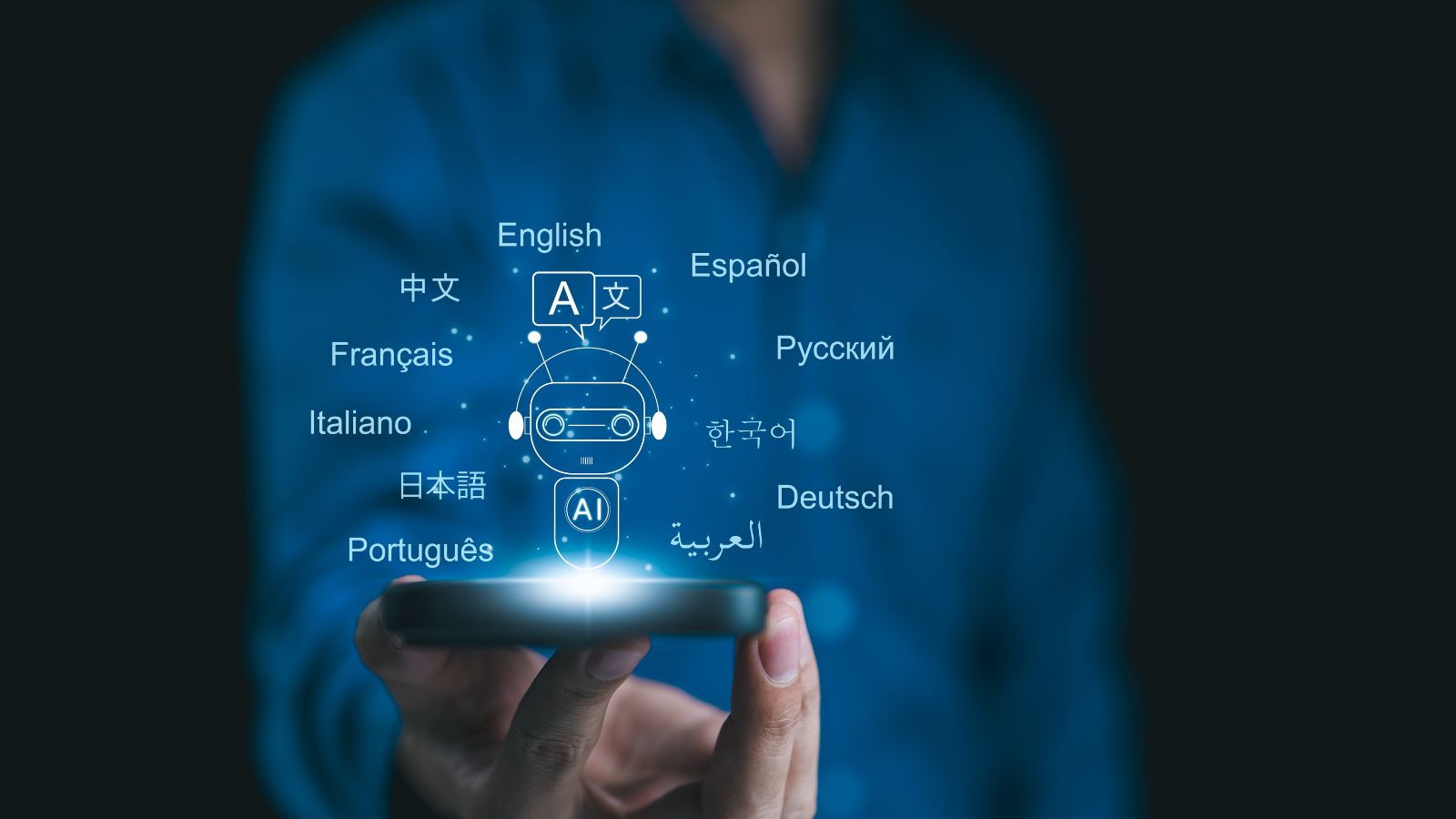
Live translation used to feel like a specialized travel tool. Now it is being built directly into phones, calls, messages, camera systems, and video platforms. Text can be translated from a sign through the camera, speech can be turned into another language during conversation, and captions can appear in translated form during video calls. The result is not perfect fluency, but something more practical: fewer moments where language becomes a hard stop.
That practicality is why the feature keeps spreading. It serves tourists, multilingual families, international teams, and everyday users who only occasionally need help. Because it often appears at the exact moment of friction, it can feel less like “using AI” and more like crossing a small obstacle without much thought. The broader effect is cultural as much as technical. Translation is becoming ambient, woven into interfaces people already use, which makes the barrier between languages feel lower even when accuracy still depends on context.
Visual Search and Screen Understanding

Visual search is one of the most revealing signs that AI is moving beyond typed commands. Instead of describing what is on a screen, users can circle it, point a camera at it, or ask software to identify and explain it directly. A shoe in a video, a landmark in a photo, a menu in another language, or a product inside a social post can now become the starting point for search without switching apps or guessing keywords.
That changes the basic feel of digital interaction. The old model asked people to translate the visual world into text before software could help. The new model lets the image itself become the query. Once that works smoothly, it starts appearing useful in far more situations than expected: shopping, travel, homework, troubleshooting, and everyday curiosity. People may ignore it the first few times because it sounds like a niche trick. Then they realize it fits naturally into the way they already look things up.
AI Meeting Notes

Meeting-note automation often sounds like a feature for people with unusually busy calendars. In reality, it is spreading because almost everyone has sat through calls where the most important points vanish by the next day. AI note-taking tools promise summaries, transcripts, action items, and follow-ups without asking someone in the room to play secretary. That makes them attractive not just to executives, but to ordinary teams trying to reduce administrative drag.
Once adopted, the feature changes expectations fast. People begin assuming a meeting should leave behind a clean record, searchable decisions, and named next steps. The interesting part is how quickly this becomes ordinary. A summary sent after a call no longer feels advanced; it feels like the call was properly processed. That is why meeting AI is showing up across conferencing and productivity tools. It addresses a boring but expensive problem, which is exactly the kind of task AI tends to absorb fastest.
Spam, Phishing, and Fraud Detection

Some of the most important AI features are also the least visible. Spam filters, phishing detection, and fraud monitoring do not announce themselves when they work well. They simply prevent bad messages, suspicious payments, or risky links from demanding attention in the first place. That invisibility is part of why people overlook them, even though these systems shape inboxes, payment flows, and account security every day.
This is a good reminder that consumer AI is not just about generating text or images. It is also about pattern recognition at massive scale, where software can flag anomalies much faster than a person could. Email providers and payment networks increasingly present this protection as routine infrastructure, not as a futuristic add-on. But that routine quality is exactly the point. When AI keeps threats from becoming daily interruptions, it turns from novelty into background defense, quietly influencing trust in nearly every digital transaction.
Recall and Semantic Memory Tools

A newer and more controversial category of AI feature tries to solve a familiar problem: remembering where something was seen. Instead of asking users to recall a file name, website title, or exact phrase, these systems let them search more loosely with natural language. In theory, that feels liberating. A person can describe a document, image, or message in ordinary terms and let software reconstruct the path back to it.
What makes the category stand out is that it blurs convenience and surveillance anxiety in the same breath. The more software remembers, the less people have to manage their own digital memory. But the same capability raises obvious questions about screenshots, indexing, local storage, and privacy controls. That tension is why these tools get ignored at first by some users and intensely debated by others. Even so, the direction is clear: AI is increasingly being positioned not just as assistant or editor, but as an external memory layer.
Auto Dubbing and Voice Localization

Auto dubbing is one of the clearest examples of AI turning a once-expensive media process into a scalable platform feature. A creator can publish in one language and have software generate dubbed versions for audiences elsewhere, sometimes with increasingly natural speech and even lip-sync enhancements. To many viewers, the first encounter feels like a small surprise inside a familiar video app. Then it starts showing up often enough to feel normal.
Its importance goes beyond convenience. Auto dubbing changes who can realistically reach global audiences and how quickly content can move across language boundaries. It also shifts expectations for viewers, who may begin assuming that content should adapt to them instead of the other way around. That is a major change in digital culture. What once required studios, translators, and separate releases is becoming part of the platform layer itself, which is why this feature is likely to become much harder to miss.
19 Things Canadians Don’t Realize the CRA Can See About Their Online Income

Earning money online feels simple and informal for many Canadians. Freelancing, selling products, and digital services often start as side projects. The problem appears at tax time. Many people underestimate how much information the CRA can access. Online platforms, banks, and payment processors create detailed records automatically. These records do not disappear once money hits an account. Small gaps in reporting add up quickly.
Here are 19 things Canadians don’t realize the CRA can see about their online income.
